


wonderful service
"1476 thermometer; spoke of probe breaking in review; customer support quickly sent me replacement. Great support! Stands above most companies, as they fixed this promptly. More than expected. Love the unit."
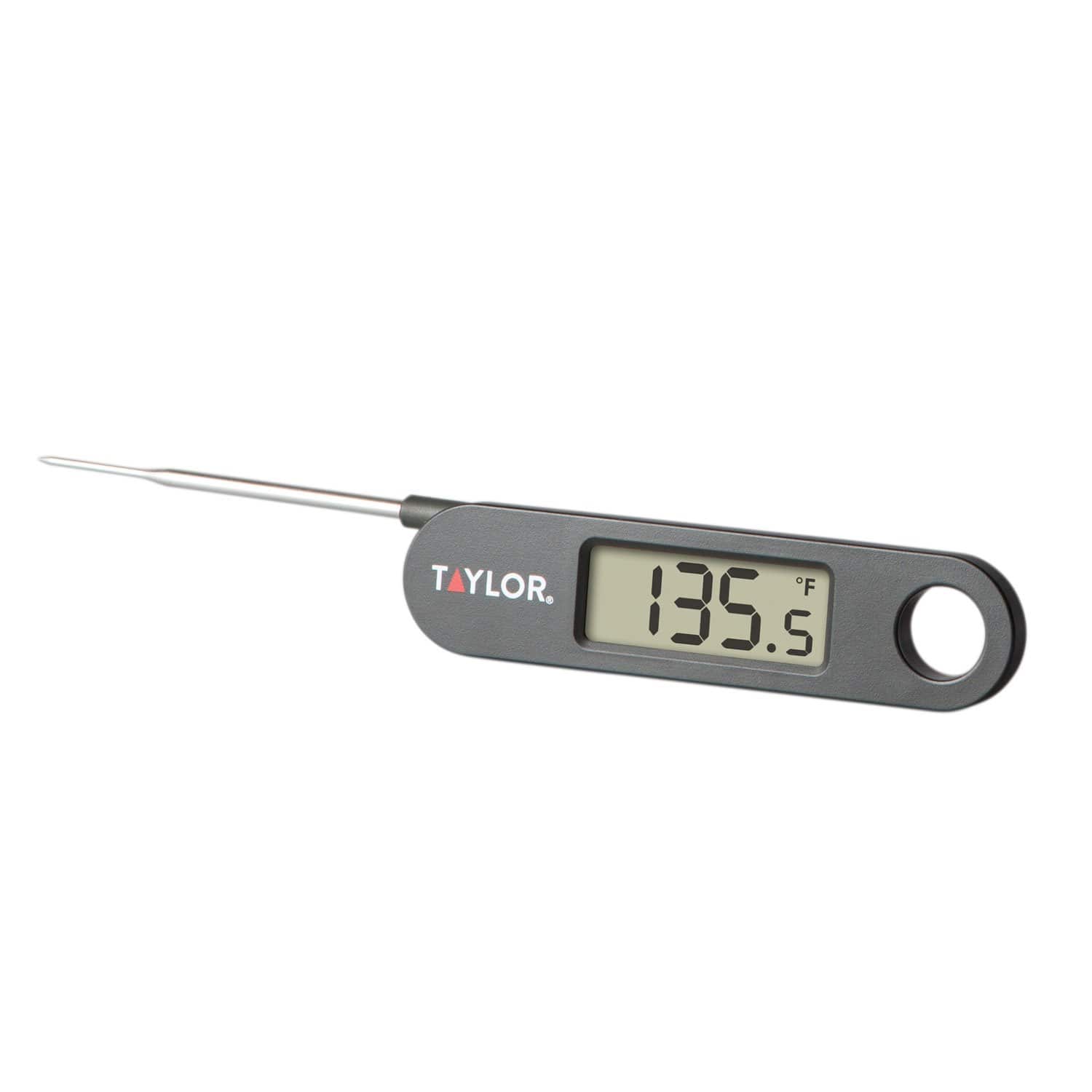
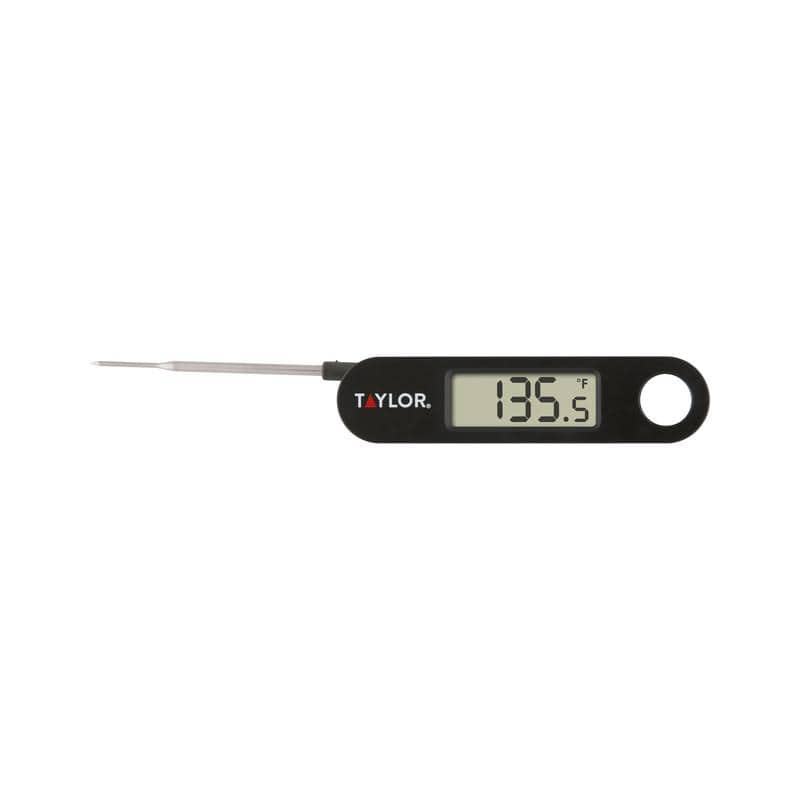


Overall rating: 4.5 / 5 from 14 reviews.
Review topics: [].
"1476 thermometer; spoke of probe breaking in review; customer support quickly sent me replacement. Great support! Stands above most companies, as they fixed this promptly. More than expected. Love the unit."
"Here are the directions for recalibrating your thermometer. 1. Fill a container with crushed or chipped ice. 2. Add water slowly until it overflows. 3. Add more ice until it is packed tightly to the bottom of the container, allowing excess to overflow. 4. Insert the stem of the thermometer at least 2” into the container, making sure it does not touch the sides or bottom of the container, and allow it to stabilize for 5 minutes. 5. If the temperature reading is 32°F (0°C), the thermometer is accurately calibrated. 6. If it is necessary to adjust the thermometer, press and hold the “Hold” button for 3 seconds. 7. The display will show “CALu” and enter user calibration mode. 8. When the LCD flashes, press and hold the “Hold” button for another 3 seconds to adjust the calibration value. 9. The thermometer is now calibrated. 10. If the “Hold” button is not press within 5 seconds when the LCD is flashing, the calibration mode is automatically exited back to normal operation. If you have any other questions, please reach back out. Thanks!"
"Working Great"
"Design flaw in probe connector. 1476 model. Plastic broke holding probe making unit unusable."
"Love the design but how do you calibrate the thermometer? No instructions found in the manual."
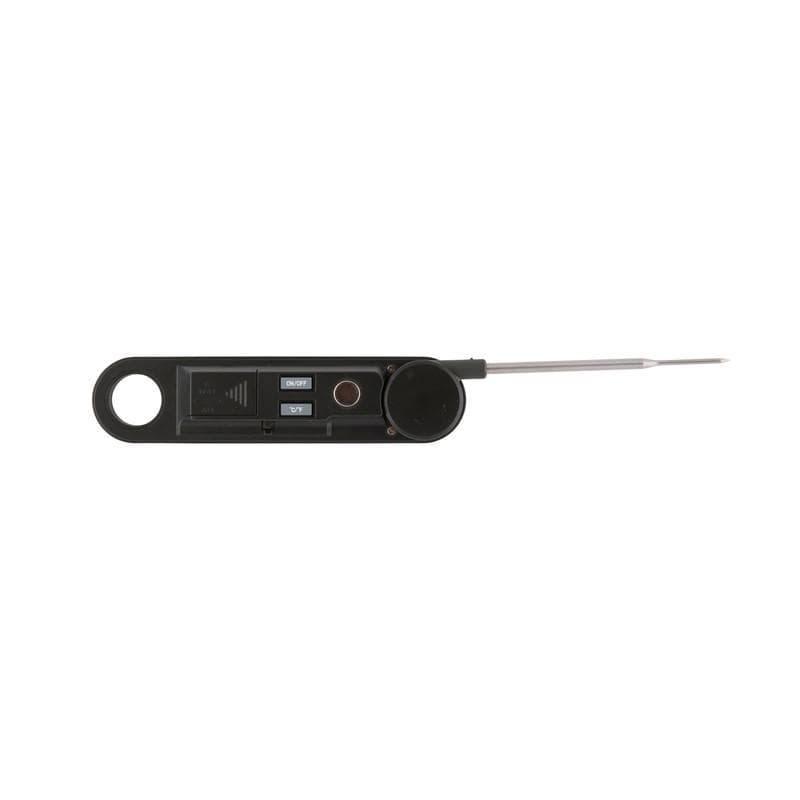
"There is one screw next to finger hole. Take that 1 screw out and pull the tray that the screw is attached to and there's the battery."
"For those having issues finding the manual, the link to the manual is located on this page below the product photos area. Click the Additional Information Plus "+" sign and you will then see a hyperlink titled "Product Manual". Click the hyperlink and it will open in PDF format. Also, for those having issues turning the product off, you must press and hold the ON/OFF button for 2-4 seconds and then it should turn off. The manual just says to press the ON/OFF button to turn off which is incorrect. Another thing the manual does not mention is that while the unit is on, a quick press of the ON/OFF button will temporarily illuminate the display for 5 seconds."
"also easy to change the battery. Remove one screw {next to the "cup" between the finger hole and the raised plastic} and slide the cup toward the finger hole. Takes a CR2032 battery."
"Wish it was water proof. This is my 2nd time buying one because they’re so fragile."
"I have used this thermometer for several years. The battery finally leaked, so I am looking for another battery, not another thermometer. I have given several as Christmas gifts. Much quicker readout than others I tried."
Overall rating: 4.5 / 5 from 14 reviews.
Review topics: [].
"1476 thermometer; spoke of probe breaking in review; customer support quickly sent me replacement. Great support! Stands above most companies, as they fixed this promptly. More than expected. Love the unit."
"Here are the directions for recalibrating your thermometer. 1. Fill a container with crushed or chipped ice. 2. Add water slowly until it overflows. 3. Add more ice until it is packed tightly to the bottom of the container, allowing excess to overflow. 4. Insert the stem of the thermometer at least 2” into the container, making sure it does not touch the sides or bottom of the container, and allow it to stabilize for 5 minutes. 5. If the temperature reading is 32°F (0°C), the thermometer is accurately calibrated. 6. If it is necessary to adjust the thermometer, press and hold the “Hold” button for 3 seconds. 7. The display will show “CALu” and enter user calibration mode. 8. When the LCD flashes, press and hold the “Hold” button for another 3 seconds to adjust the calibration value. 9. The thermometer is now calibrated. 10. If the “Hold” button is not press within 5 seconds when the LCD is flashing, the calibration mode is automatically exited back to normal operation. If you have any other questions, please reach back out. Thanks!"
"Working Great"
"Design flaw in probe connector. 1476 model. Plastic broke holding probe making unit unusable."
"Love the design but how do you calibrate the thermometer? No instructions found in the manual."
"There is one screw next to finger hole. Take that 1 screw out and pull the tray that the screw is attached to and there's the battery."
"For those having issues finding the manual, the link to the manual is located on this page below the product photos area. Click the Additional Information Plus "+" sign and you will then see a hyperlink titled "Product Manual". Click the hyperlink and it will open in PDF format. Also, for those having issues turning the product off, you must press and hold the ON/OFF button for 2-4 seconds and then it should turn off. The manual just says to press the ON/OFF button to turn off which is incorrect. Another thing the manual does not mention is that while the unit is on, a quick press of the ON/OFF button will temporarily illuminate the display for 5 seconds."
"also easy to change the battery. Remove one screw {next to the "cup" between the finger hole and the raised plastic} and slide the cup toward the finger hole. Takes a CR2032 battery."
"Wish it was water proof. This is my 2nd time buying one because they’re so fragile."
"I have used this thermometer for several years. The battery finally leaked, so I am looking for another battery, not another thermometer. I have given several as Christmas gifts. Much quicker readout than others I tried."