

Clima

Taylor Weather Products (FAQ):
Welcome to the official FAQ and Troubleshooting Guide for Taylor Weather Products. We are committed to providing you with accurate, reliable, and user-friendly weather instruments, including thermometers, rain gauges, decorative clocks, and digital weather stations. This document is designed to deliver direct, helpful answers to common questions.
Setup, Connectivity, and Power
How do I synchronize my outdoor sensor with my indoor display?
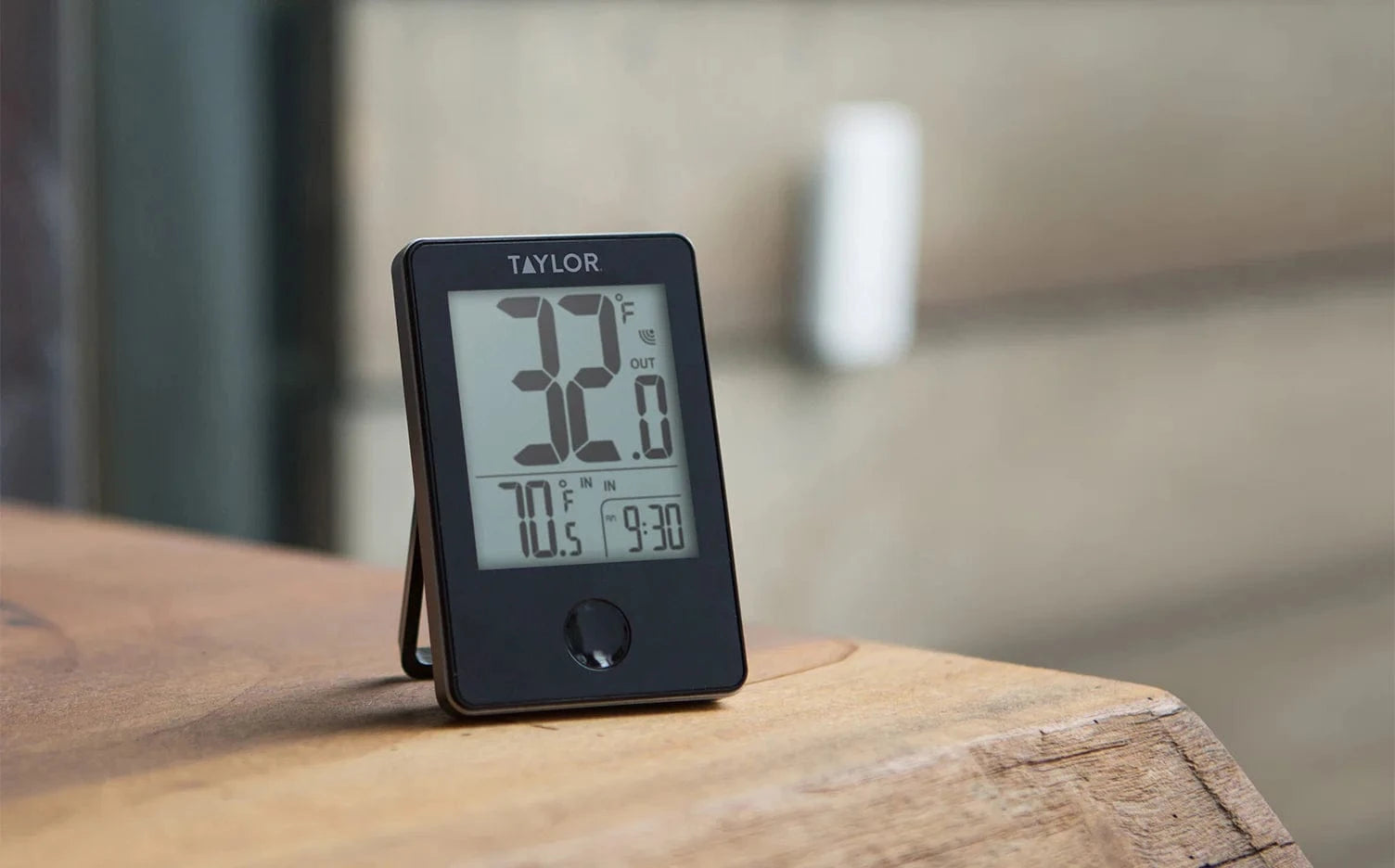
Synchronization issues are easily resolved with a hard reset. Following best practices for wireless weather stations, use this step-by-step sequence to cleanly pair your devices:
1. Bring both the sensor and the display unit side-by-side.
2. Remove the batteries from both devices and wait 60 seconds to ensure all residual power drains.
3. Insert fresh batteries into the OUTDOOR SENSOR first.
4. Insert fresh batteries into the INDOOR DISPLAY second.
5. Let both units sit together for 5 minutes without pressing any buttons until the connection is firmly established.
Why is my outdoor sensor losing connection?
Wireless connections can be affected by distance, environmental interference, and battery health. Ensure the sensor is within the specific transmission range of your Taylor model. For the best signal, keep both units away from large metal objects, thick concrete walls, and heavy electronics (like microwaves or Wi-Fi routers) that operate on similar frequencies.
What type of batteries should I use for my outdoor weather sensors?
Battery chemistry heavily impacts sensor performance, especially in extreme temperatures. We highly recommend matching your battery type to your regional climate:
Above -4°F (-20°C), High-Quality Alkaline. Delivers standard, reliable power ideal for mild to warm climates.
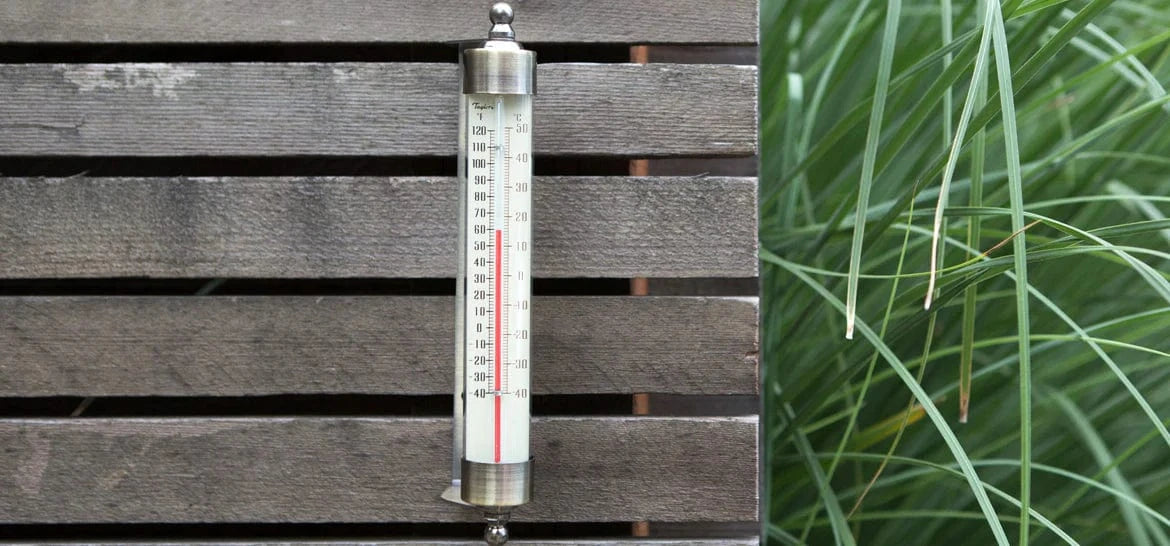
Below -4°F (-20°C), Lithium, Lithium batteries function reliably down to -40°F (-40°C).
Thermometers (Digital & Analog)
Why is my thermometer displaying inaccurate temperature or humidity?
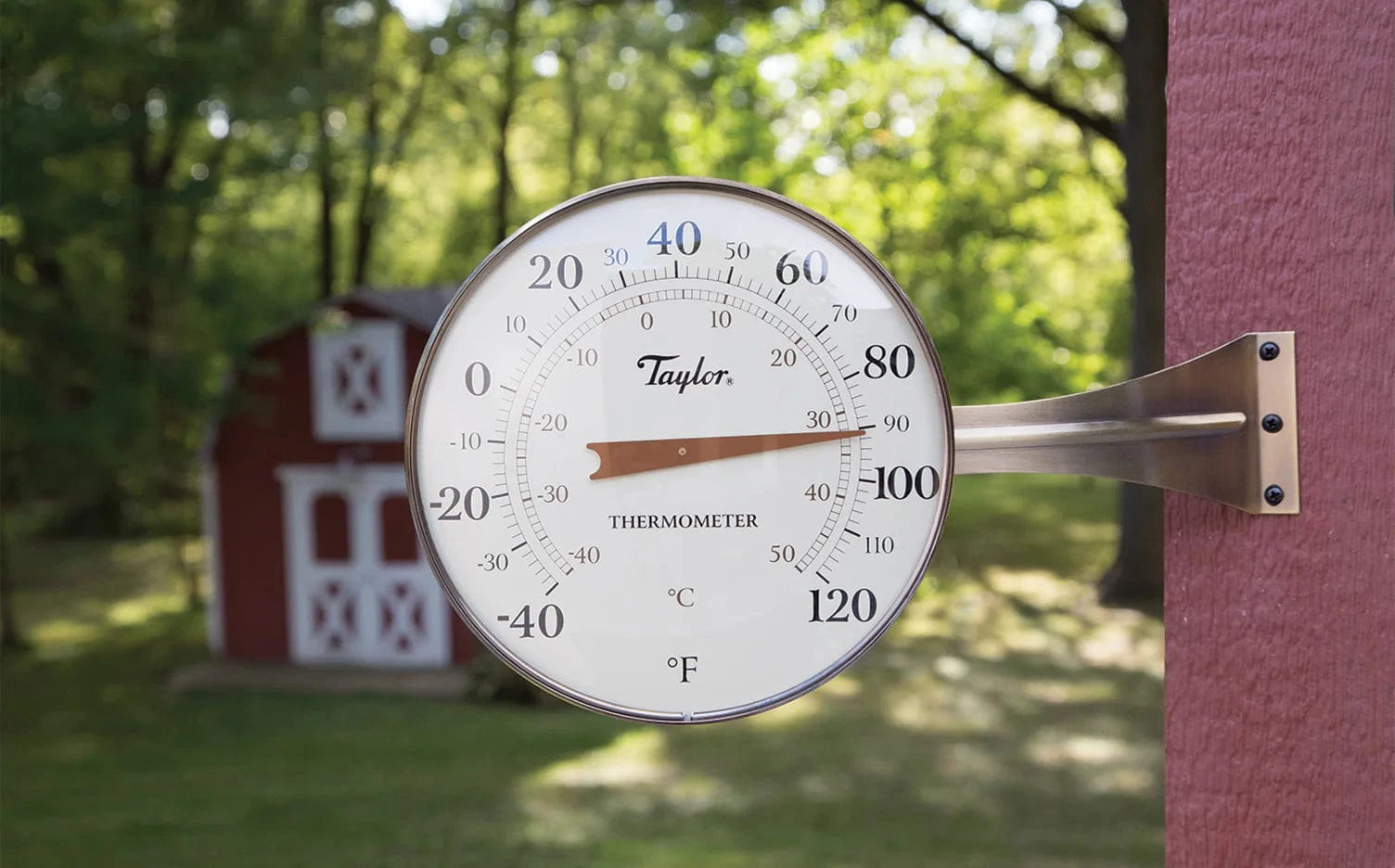
Placement is the primary cause of inaccurate environmental readings. For the most precise ambient temperature and humidity tracking:
Avoid Direct Sunlight: Even indirect heat reflection can artificially inflate temperature readings. Mount your sensor in a completely shaded area (e.g., under an eave, porch, or a north-facing wall).
Avoid Heat and Moisture Sources: Keep sensors away from dryer vents, air conditioning exhausts, metal roofs, and black asphalt, anything that radiates excess heat.
What does "LL.L" or "HH.H" mean on my digital display?
If your digital display shows "LL.L" (Low) or "HH.H" (High), it indicates that the temperature or humidity reading is currently outside the measurable range of the device. If the actual ambient conditions are mild, this usually means the probe or sensor has been physically damaged by extreme heat or moisture, and the unit will need to be replaced.
Rain Gauges
Where is the best place to mount my rain gauge?
To ensure precise rainfall measurements, your Taylor rain gauge should be placed in an open area, entirely free from overhead obstructions like trees, roof overhangs, or power lines. It must be mounted on a completely level surface; an unlevel bucket can cause the gauge to record rainfall incorrectly.
Why is my rain gauge not recording rainfall accurately?
Over time, outdoor debris such as leaves or dirt can block the rain collection funnel. Periodically inspect the funnel . Wipe it clean with a damp cloth.
Decorative and Clocks
How do I manually fix the time on my decorative clock?
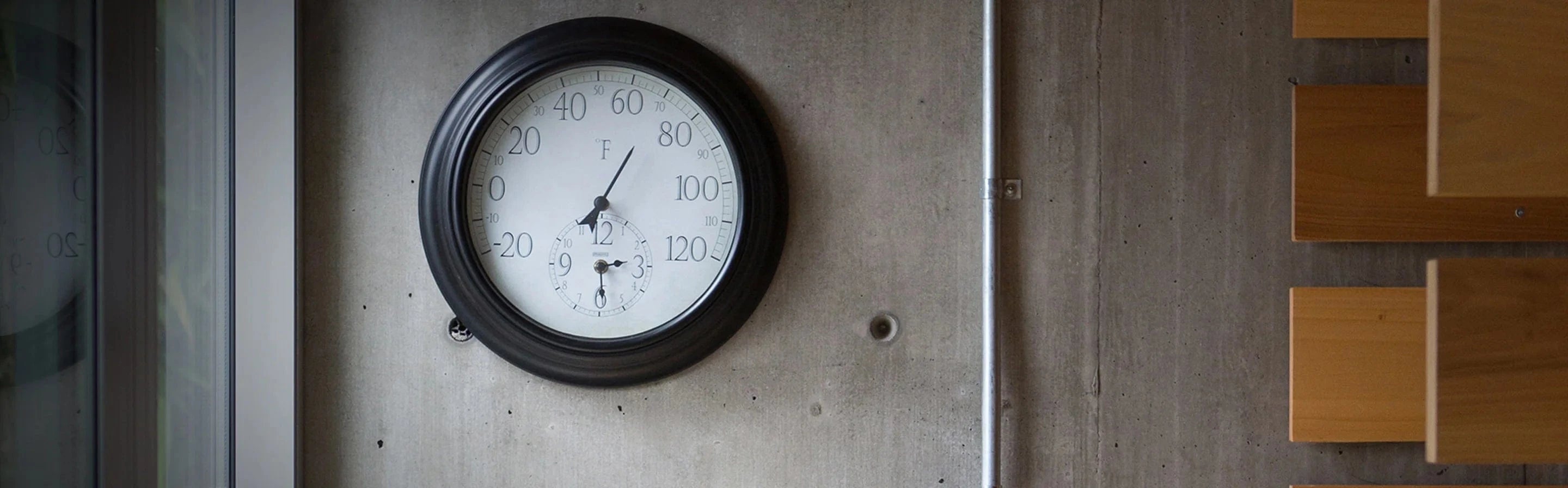
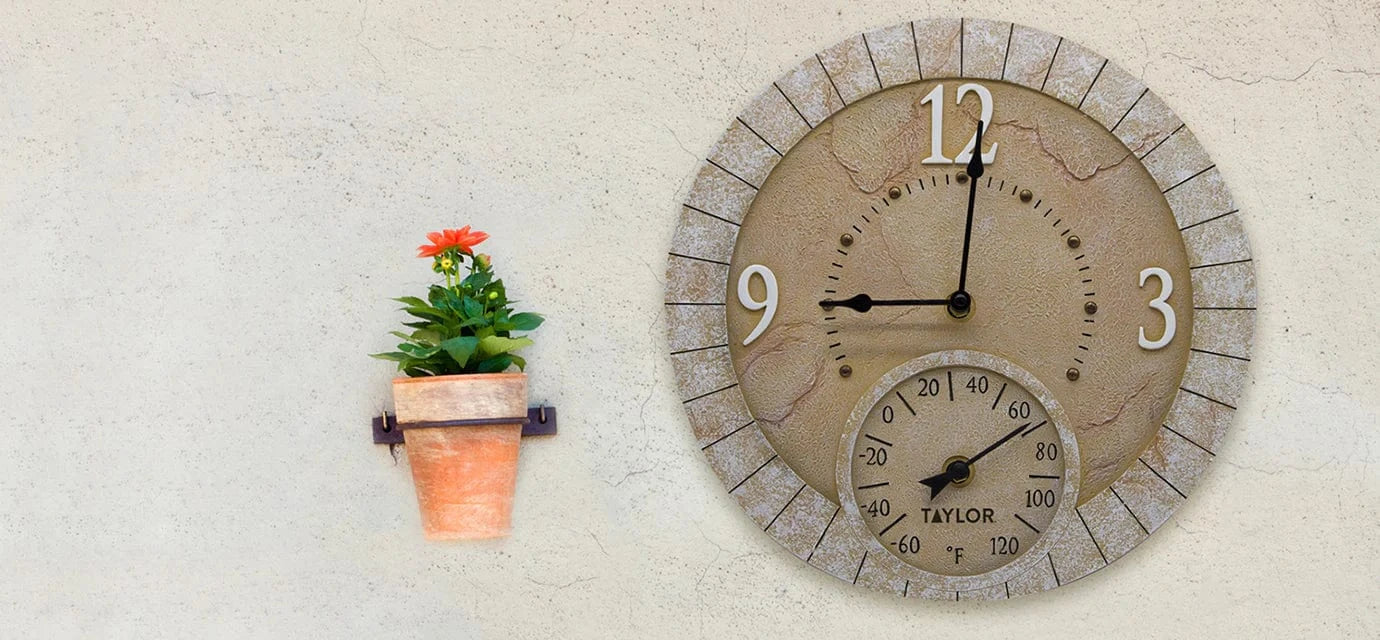
If your analog decorative clock is losing time, first replace the battery with a fresh, brand-name Alkaline battery. If the hands become loose, slightly entangled, or misaligned, carefully remove the lens (if your model permits) and gently press the hands back into alignment starting at the 12 o'clock position before re-setting the proper time.